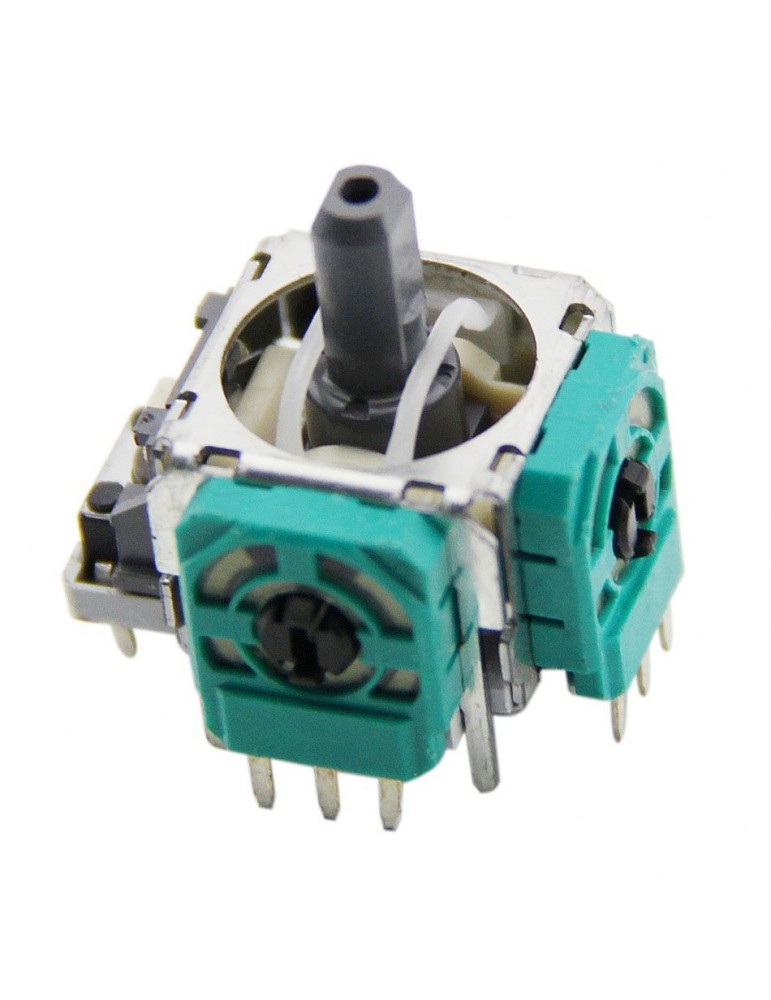
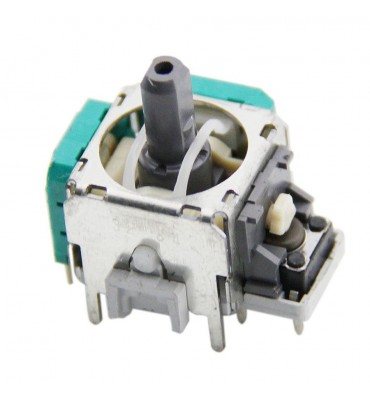
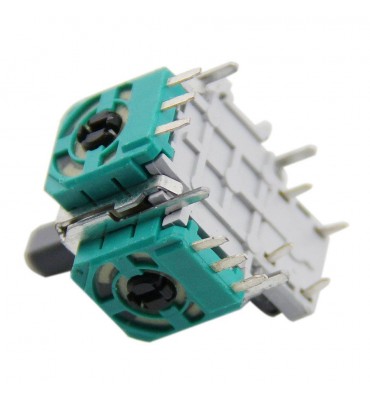
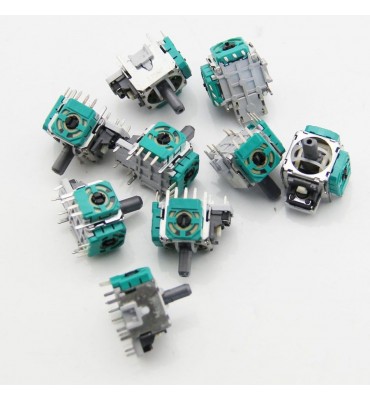
Replacement analog stick from Infinity Gaming. If your pad moves on its own to one side - which we can observe in games or the console's main menu, or worse, it doesn't work in some direction, you should replace the module.
Product features:
- replacement analog stick from Infinity Gaming
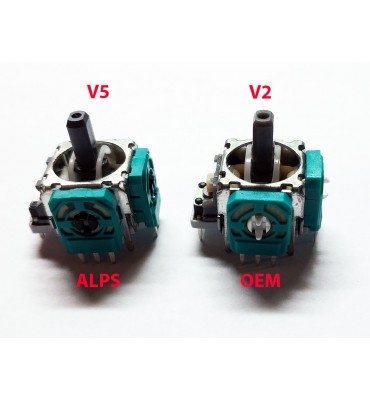
- Version V2
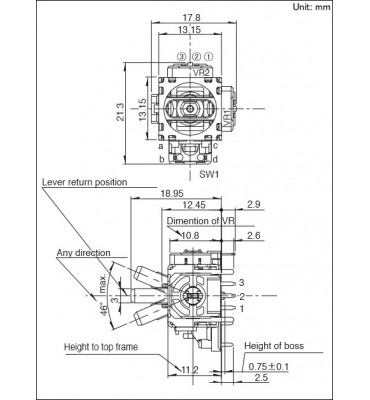
- Size 13mm
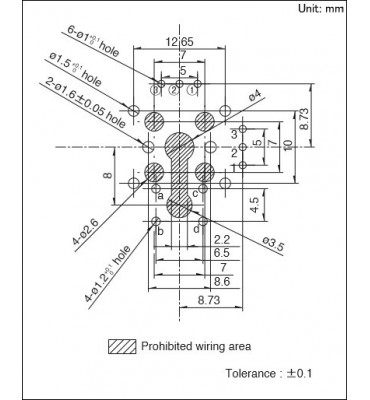
- PIN spacing is exactly the same
- should be used in case of controller damage
- basic soldering skills are needed for replacement
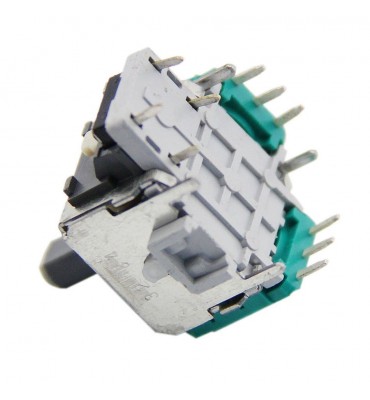
- requires soldering 14 points
- fits all versions of original Microsoft Xbox One controllers (also with jack socket and BT)
- fits Elite V1 controller
- fits Dualshock PS4 (V1, V2) controllers
- universal - can be used as right or left
We recommend installation:
- Controller Xbox One Model: 1537- analog V5
- Controller Xbox One Model: 1697- analog V5
- Controller Xbox One Model: 1708- analog V5
- Controller Xbox Series Model: 1914 - analog V12
- Controller Xbox Elite 1 Model 1698 - analog V5
- Controller Xbox Elite 2 Model 1797 - analog V11
- Controller Nintendo Switch PRO - analog V8
- Controller PS3 Dualshock - analog V6 or V10 (we match visually)
- Controller PS4 Dualshock 4 V1 JDM-001 - analog V10 or V7 (we match visually)
- Controller PS4 Dualshock 4 V1 (without additional lightbar, main boards JDM-001) - analog V7 or V10 (we match visually)
- Controller PS4 Dualshock 4 V1 (without additional lightbar, main boards JDM-010) - analog V7 or V10 (we match visually)
- Controller PS4 Dualshock 4 V1 (without additional lightbar, main boards JDM-020) - analog V7 or V10 (we match visually)
- Controller PS4 Dualshock 4 V1 (without additional lightbar, main boards JDM-030) - analog V7
- Controller PS4 Dualshock 4 V2 (with additional lightbar, main boards JDM-040) - analog V7
- Controller PS4 Dualshock 4 V2 (with additional lightbar, main boards JDM-050) - analog V4 or V7 (we match visually)
- Controller PS4 Dualshock 4 V2 (with additional lightbar, main boards JDM-055) - analog V4 or V7 (we match visually)
- Controller PS5 Dualsense - analog V13 or V14 (we match visually)
- Controller Razer Rajiu - analog V6
- Controller Scuff PS4 - analog V7 or V4 (we match visually)
- Xbox 360, PlayStation 2, PlayStation 1 controllers - different type of analog sticks, larger than these.
- Replacement PS3, PS4, PS5, Xbox etc. controllers - need to disassemble and compare visually.
In the case of SONY Dualshock 4 and Dualsense controllers, there is no possibility to select the analog stick by model or housing. We match analog sticks visually (you need to disassemble the pad)! The choice is usually limited to V4 - orange with 10k potentiometers, V7 - green-blue with 10k potentiometer.
Differences in analog sticks:
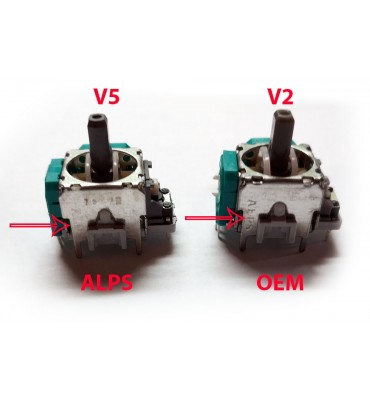
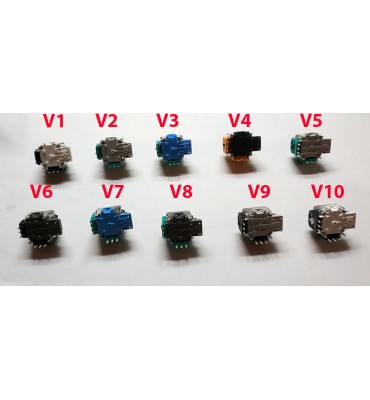
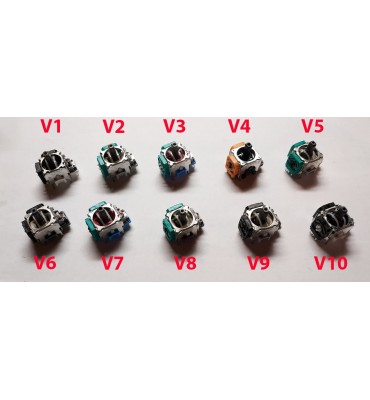
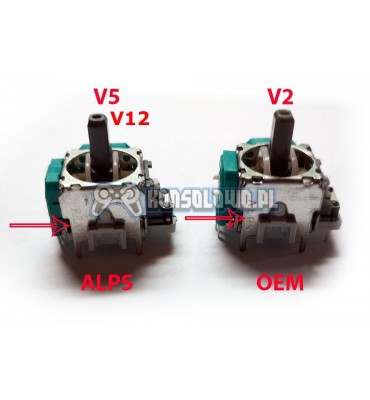
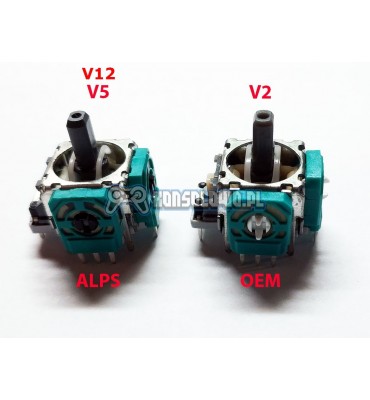
- V1-V3 - OEM replacements, have a larger dead zone, all have the number 3318 stamped
- V4 - original Favor Union FJR10K found e.g. in pads with main board JDM-050, 040
- V5-V10 - originals ALPS, differ only visually, electrically it is exactly the same product.
- V11 - original ALPS - Xbox Elite 2
- V12 - original ALPS - used in Xbox Series controllers Model 1914
- V13 - original ALPS, used in Dualsense controllers PlayStation PS5
- V14 - original Favor Union 2,3KOhm, used in Dualsense controllers PlayStation PS5
- V15 - original Favor Union FJM10K 10KOhm with thin metal shaft
- V16 - replacement 10k
NOTE! The analog stick may stick in extreme positions and this is normal. After soldering and assembling the housing, it will never stick. The analog stick consists of 2 potentiometers with resistance 10kOhm (2,3K in case of Dualsense) and tolerance 20%.
After replacement, the analog stick turns to one side on its own. How to solve the problem?
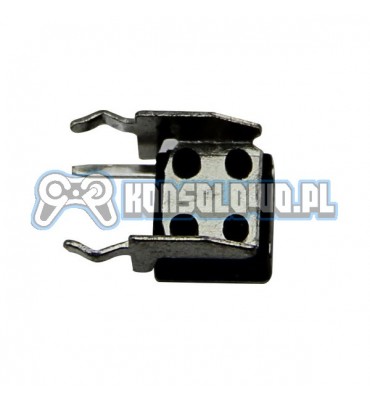
As I mentioned above, the analog stick is 2 potentiometers (colored element with 3 legs, it can be disconnected from the housing) with total resistance 10kOhm and tolerance 20%. This means that in practice they have 9-11kOhm. Both potentiometers act as voltage dividers. If after replacement there is a deviation, it means that an analog stick with different parameters was installed. The ideal solution would be to recalibrate the pad, just like new analog sticks are calibrated in Nintendo Switch JoyCons. Therefore, the simplest solution is to solder the potentiometers (those with 3 legs) until it works, or measure the old potentiometer and choose the closest possible match. We send all analog sticks randomly, we do not measure potentiometers before shipping!
Measuring the potentiometer on the extreme 2 pins is a big simplification and is meant to show that each analog stick is different (20% tolerance). For correctly calculating the center, the proportion between legs 1 and 2 and 1 and 3 is more important, because the voltage on the potentiometer is directly proportional to the resistance (principle of voltage divider operation). If someone does not understand the principle of the divider, they should not attempt to replace analog sticks.
What to do if the analog stick is skewed:
1. swap the potentiometers until it works
2. use drift-fix
3. perform pad calibration (if possible)
To better understand the issues, I recommend reading articles on Wikipedia (https://pl.wikipedia.org/wiki/Potencjometr) about potentiometers and voltage dividers.

 Polski
 English







01/28/2021
komentarz
kozak ja kupiłem i sie kozak gra w gierki takie jak gta V minecraft forza horizon 4